
MKV to MP4 converter for Windows
Convert locally without uploading your file
MKVMP4
- Your files stay on your PC
- Original files remain unchanged
- Works offline after installation
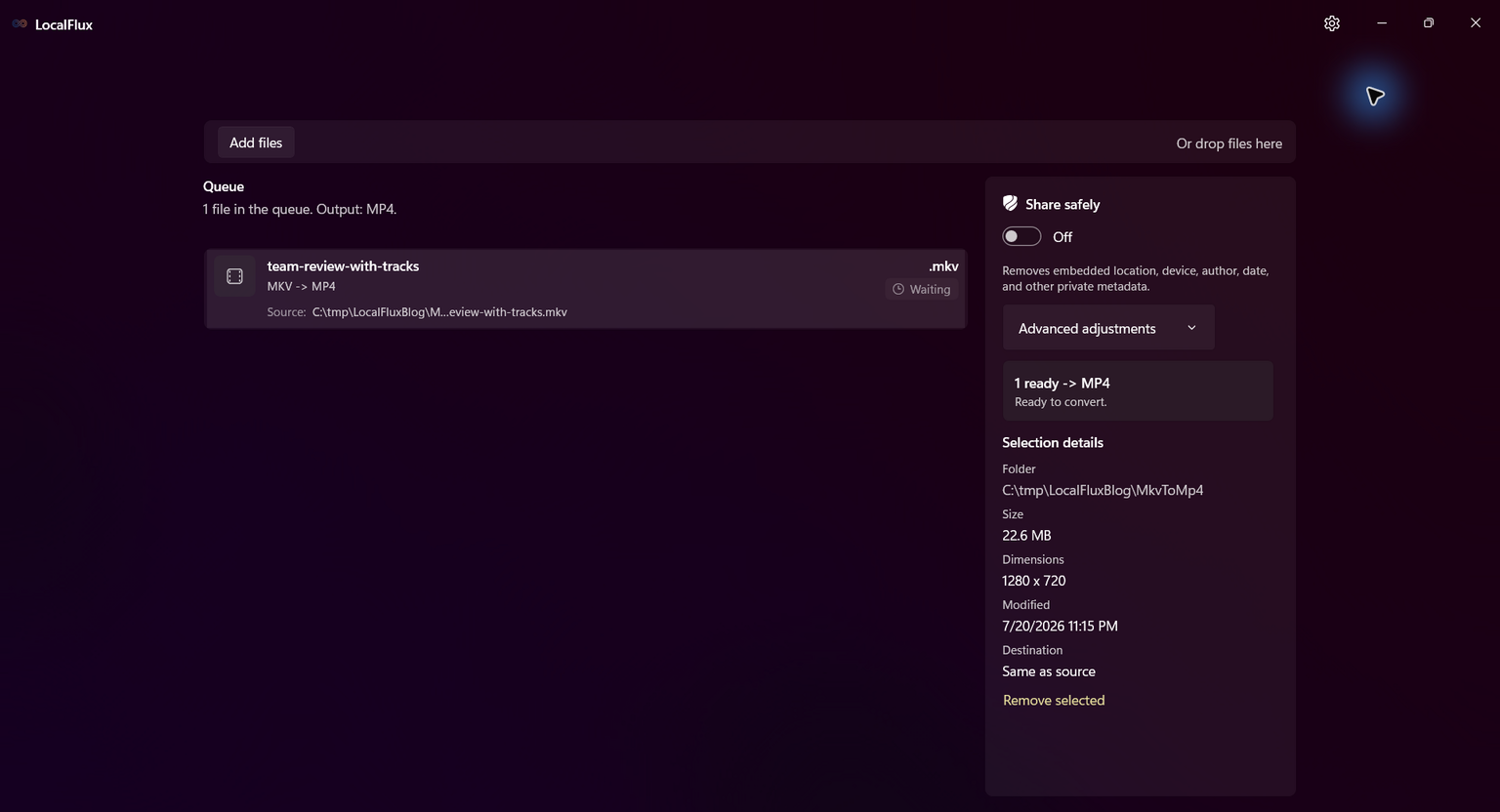
MKV to MP4 in three clear steps
-
Add MKV files
Drag supported MKV files into LocalFlux or choose Add files.
-
Choose MP4
Select Convert and confirm MP4 as the output for the batch.
-
Convert on your PC
Choose the destination, start the job, and review the new copy.
When this route helps
Best for straightforward playback copies. Keep the MKV when it contains alternate audio, subtitles, attachments, chapters, or other streams you may need later.
Track retention matters more than the extension
MKV can hold multiple audio and subtitle streams that a simple MP4 conversion may not retain. Inspect every needed language, caption, duration, and demanding video scene before delivery.
Questions about this conversion
Will MKV subtitles appear in the MP4?
Do not assume so. The controlled test retained no subtitle tracks. Check the output and keep the MKV master when captions or alternate tracks matter.
Does LocalFlux upload the source file?
No. Normal supported conversion runs on your Windows PC without a file-upload step or account.
Will LocalFlux overwrite the original?
No. LocalFlux writes a new output copy and leaves the source file unchanged.
Create your MP4 copy from MKV locally
Install LocalFlux from the Microsoft Store and keep supported everyday conversion on your Windows PC.