LocalFlux user guide
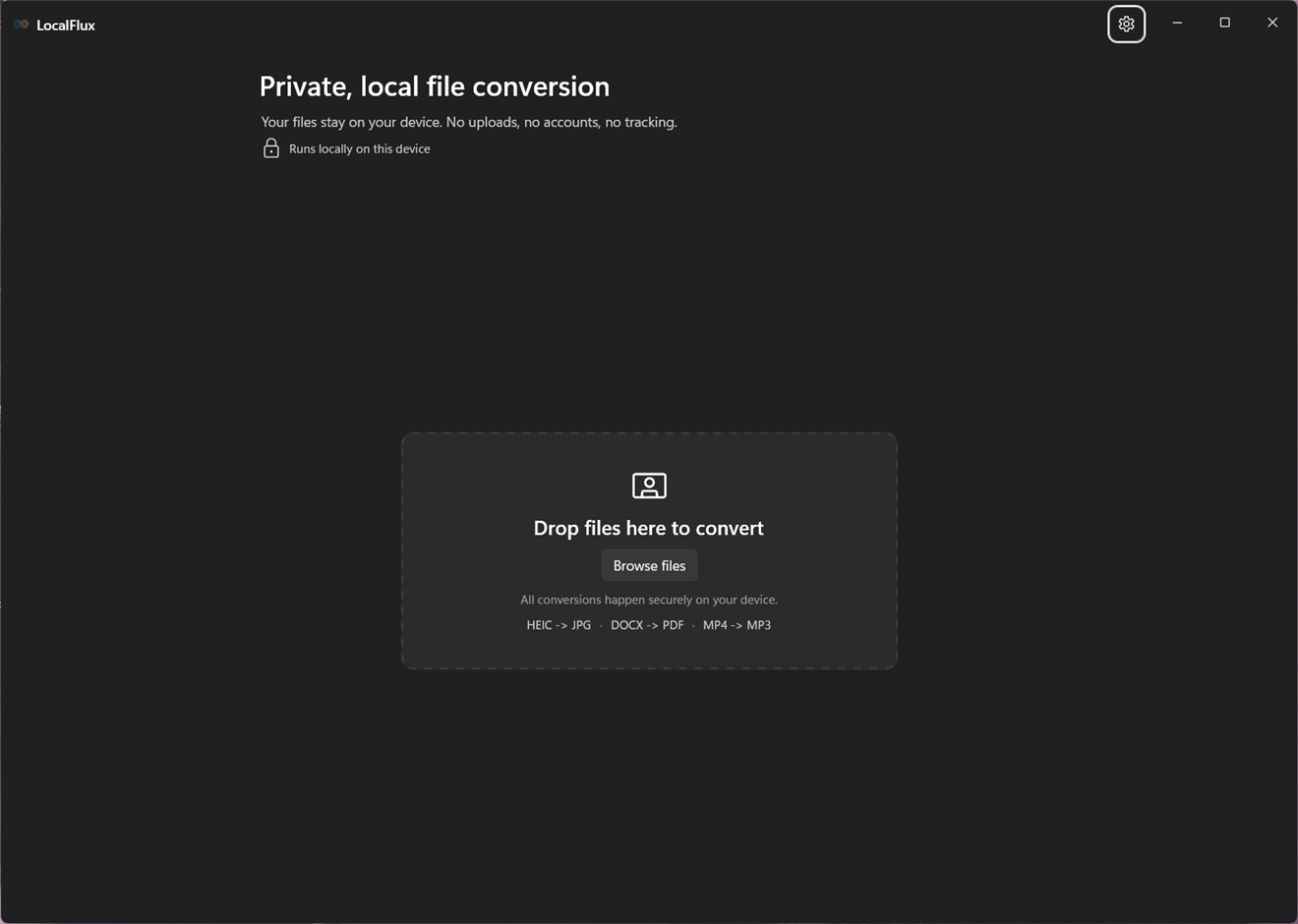
LocalFlux converts files on your Windows PC. Files stay local; no account or upload is required.
Five-minute start
- Open LocalFlux and choose Browse files, or drop supported files on the drop zone.
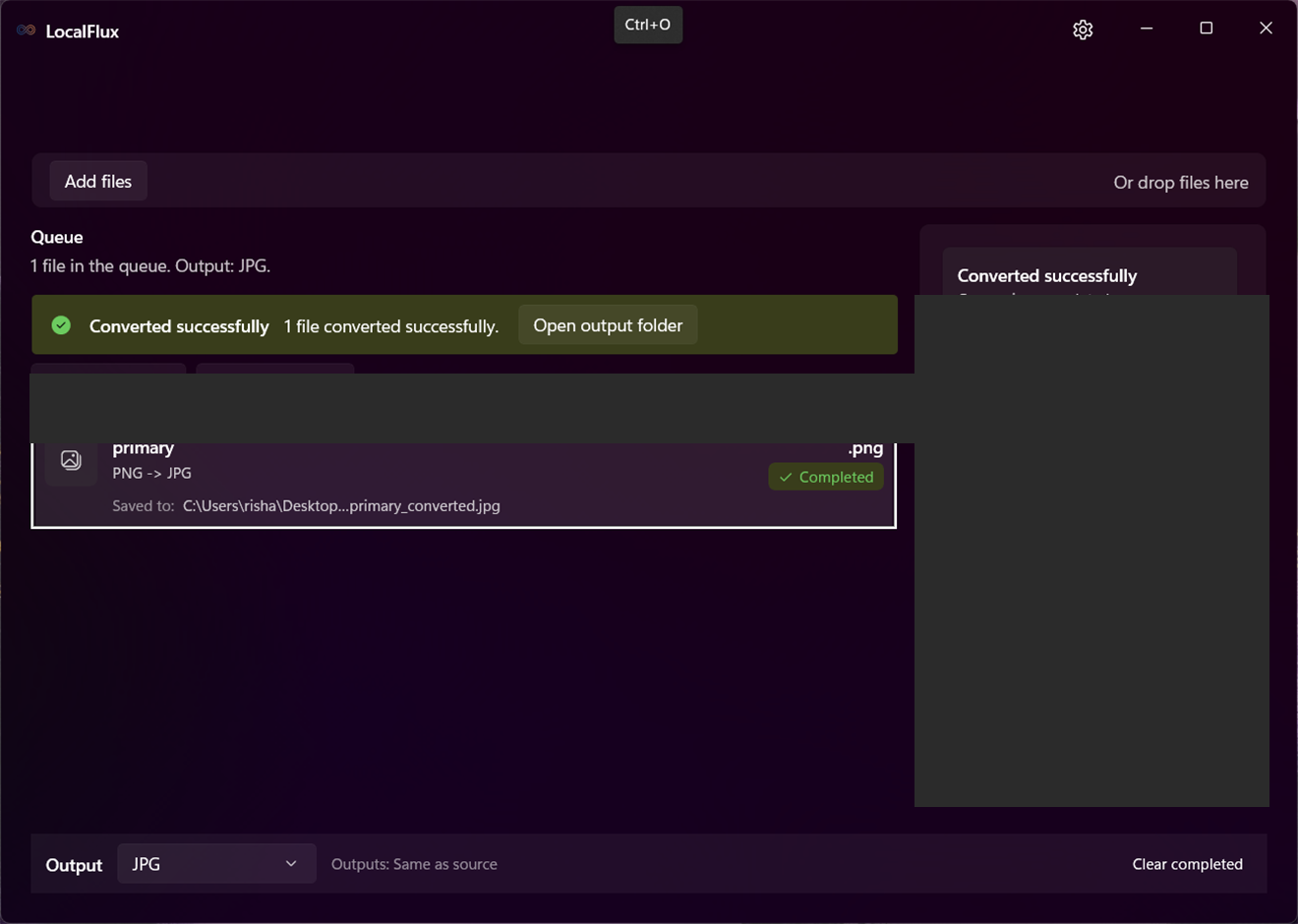
- Choose Convert and an output format, or choose Compress for a smaller copy.
- Review the queue, then run the main action.
- Select Open file or Open folder when the row completes.
Continue with Getting started, or jump to Supported formats.
See it in LocalFlux
Video transcript
Open LocalFlux and add a local file. Choose an explicit output format and start conversion. When it completes, open the file or its folder.