Troubleshooting and shortcuts
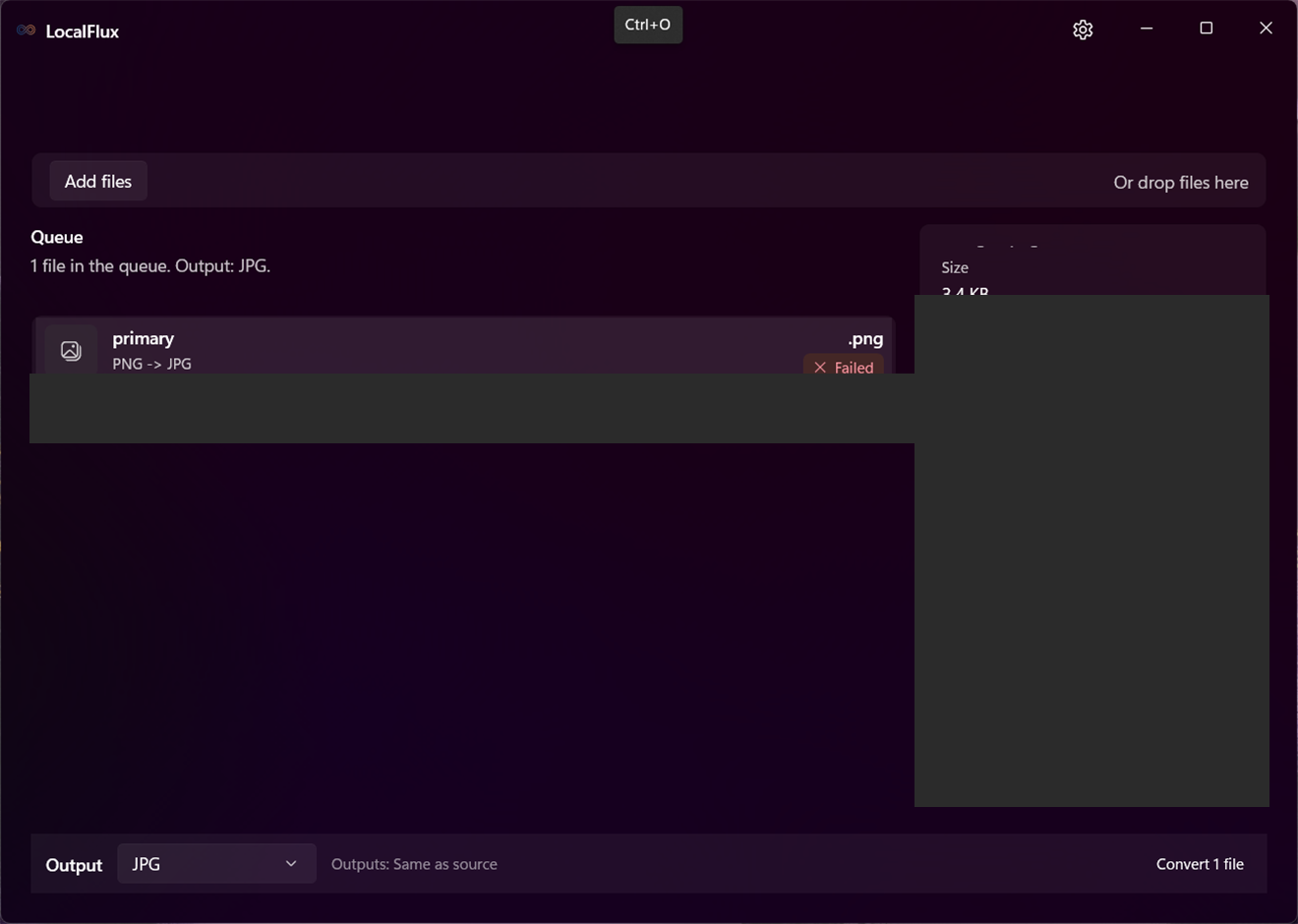
For a blocked row, choose a compatible output or clear unavailable visual settings. For a failed row, select it, read Issue and What to try, expand Details, and use Copy diagnostics when needed. Confirm the source still exists and the destination is writable, then retry.
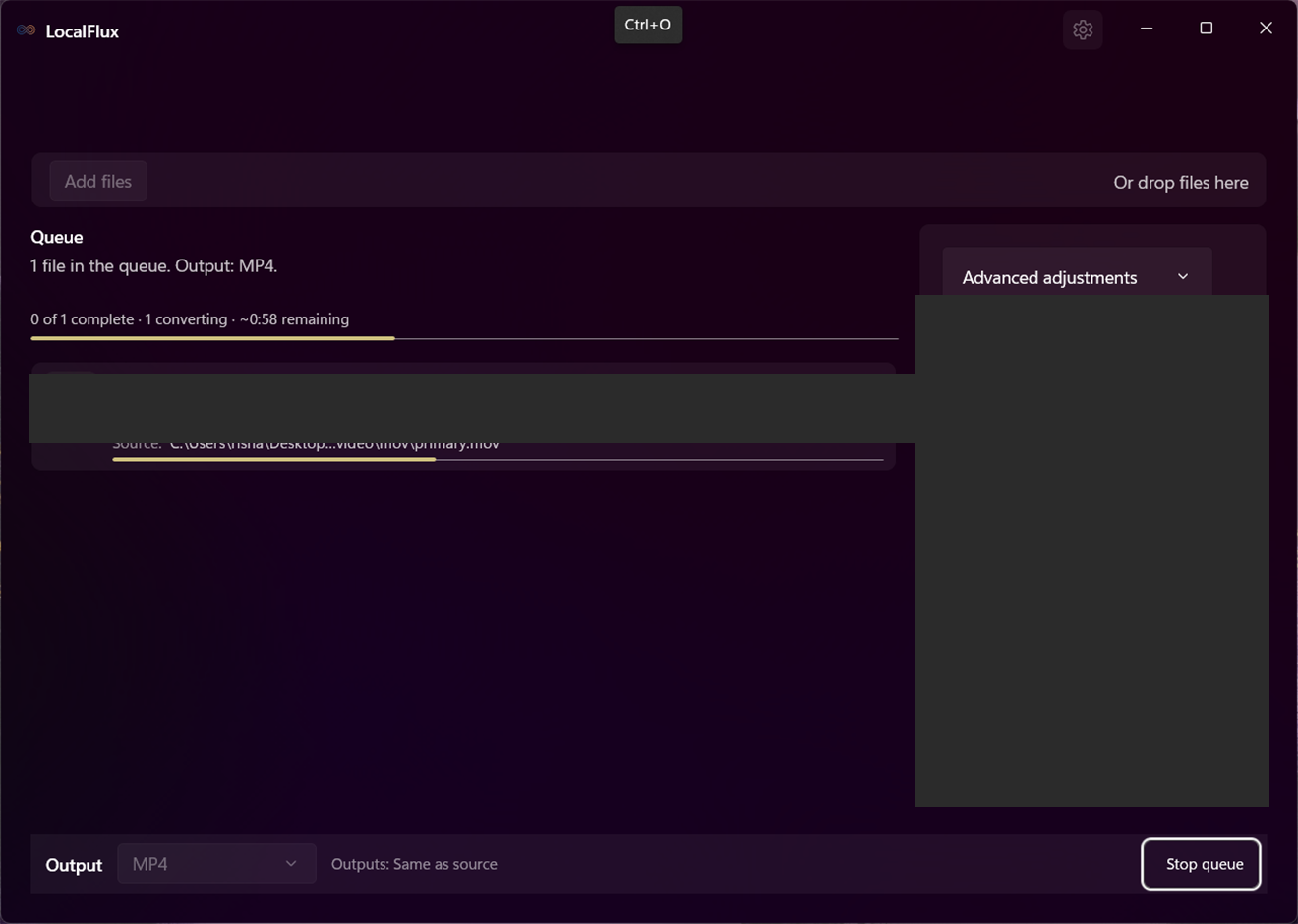
If a queue is running, use Stop queue and wait for cancellation to settle before changing settings. Ctrl+V pastes copied local files into the queue. Ctrl+A selects queue rows; Delete removes selected waiting rows when the command is available.
See it in LocalFlux