Settings, privacy, and diagnostics
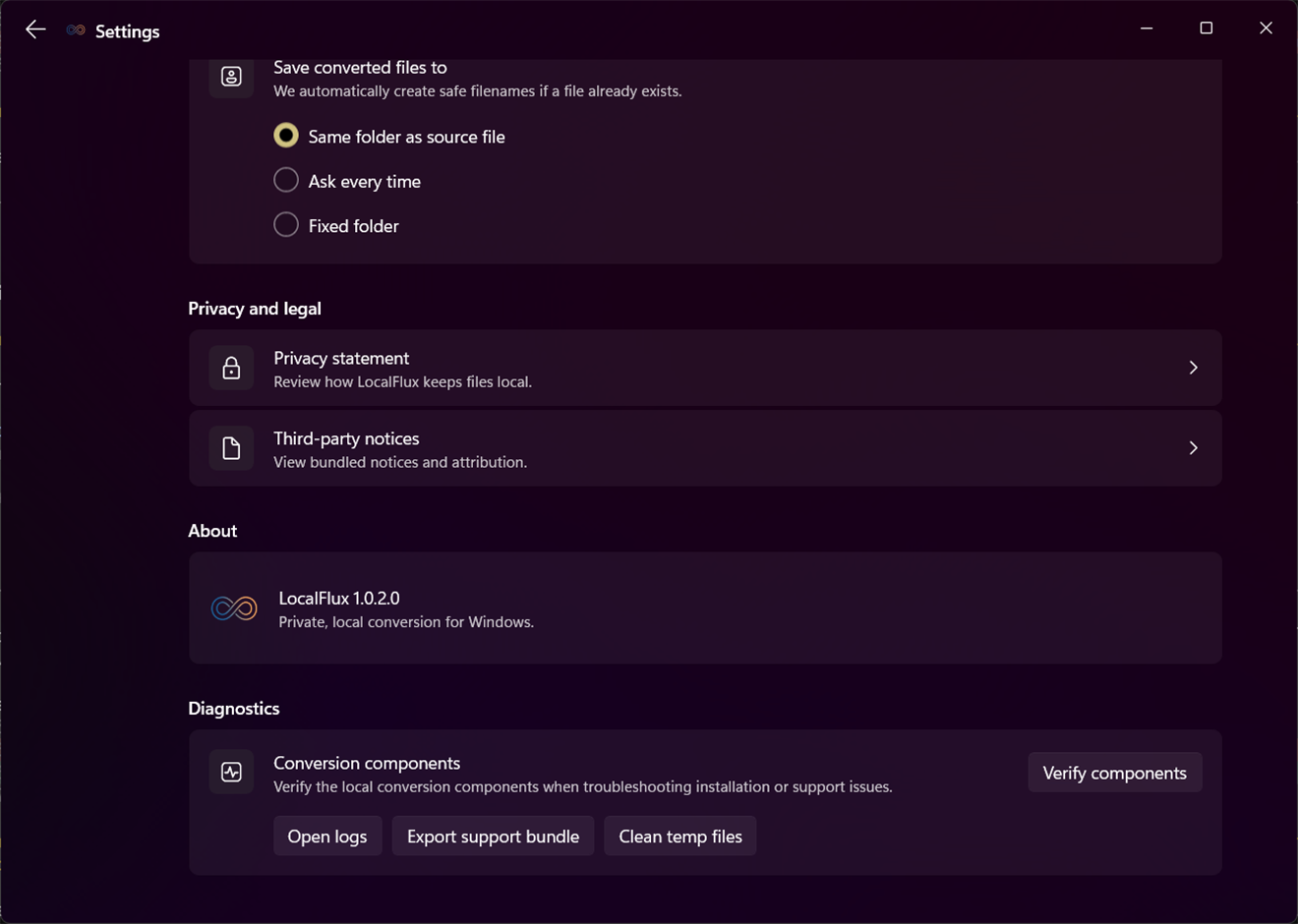
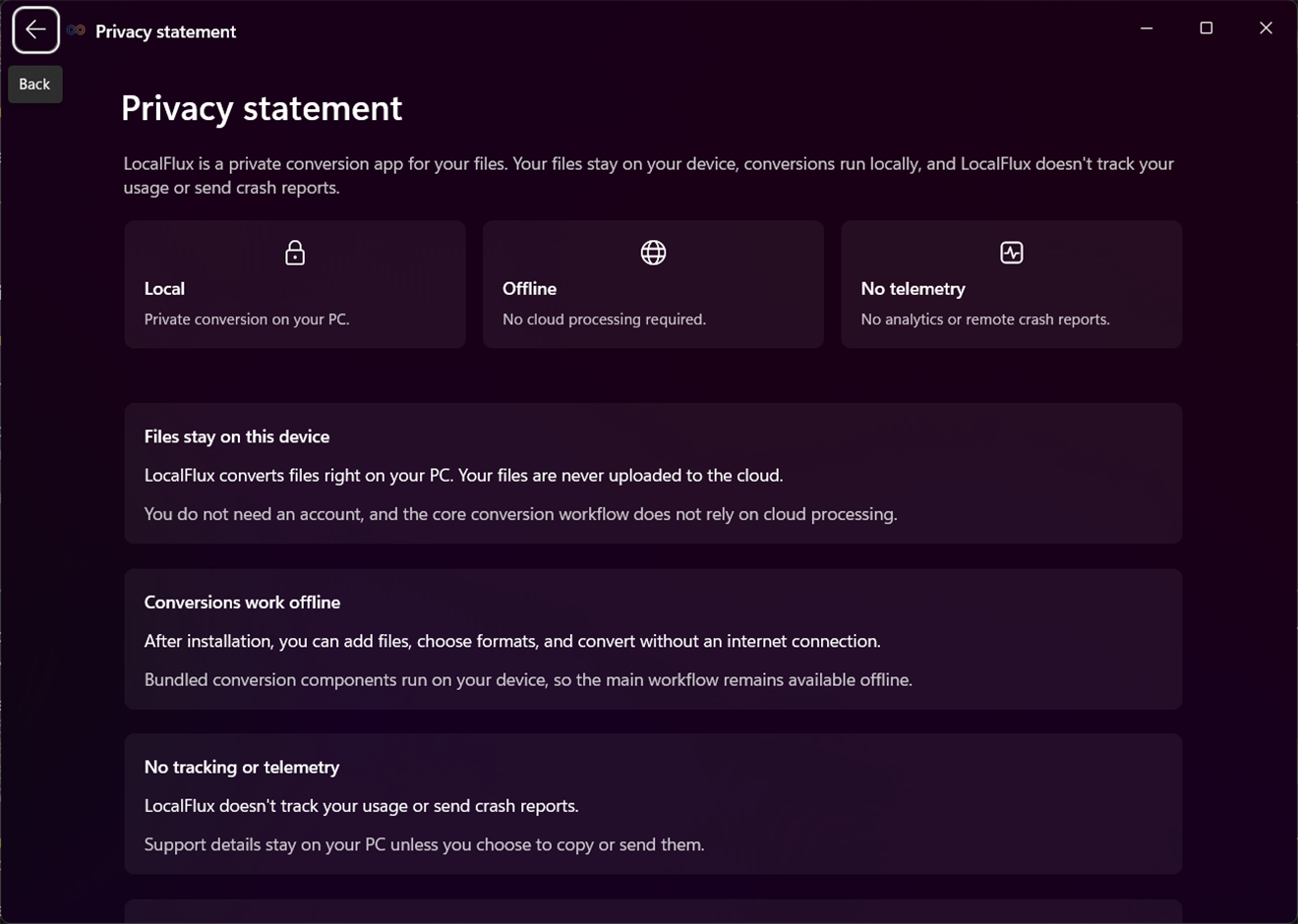
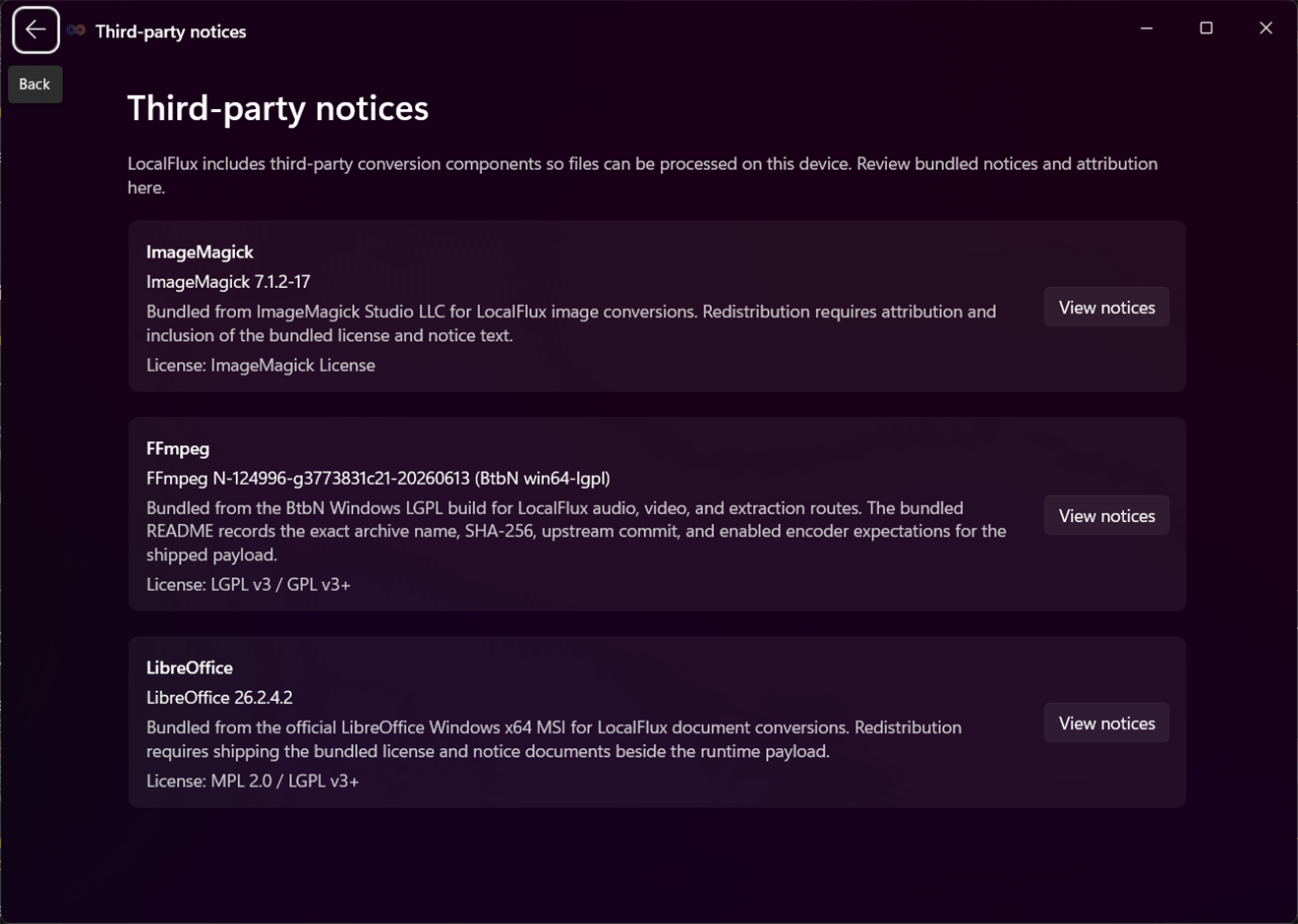
Open Settings from the title bar. Configure default output behavior and inspect privacy, third-party notices, component readiness, logs, and diagnostic bundles. Conversion is local-first and does not require an account.
Use Copy diagnostics on a failed row or export a support bundle when requested. Review the files included before sharing; remove any sensitive paths or content where appropriate. Cleanup actions remove only the selected diagnostic artifacts.
See it in LocalFlux