Outputs and notifications
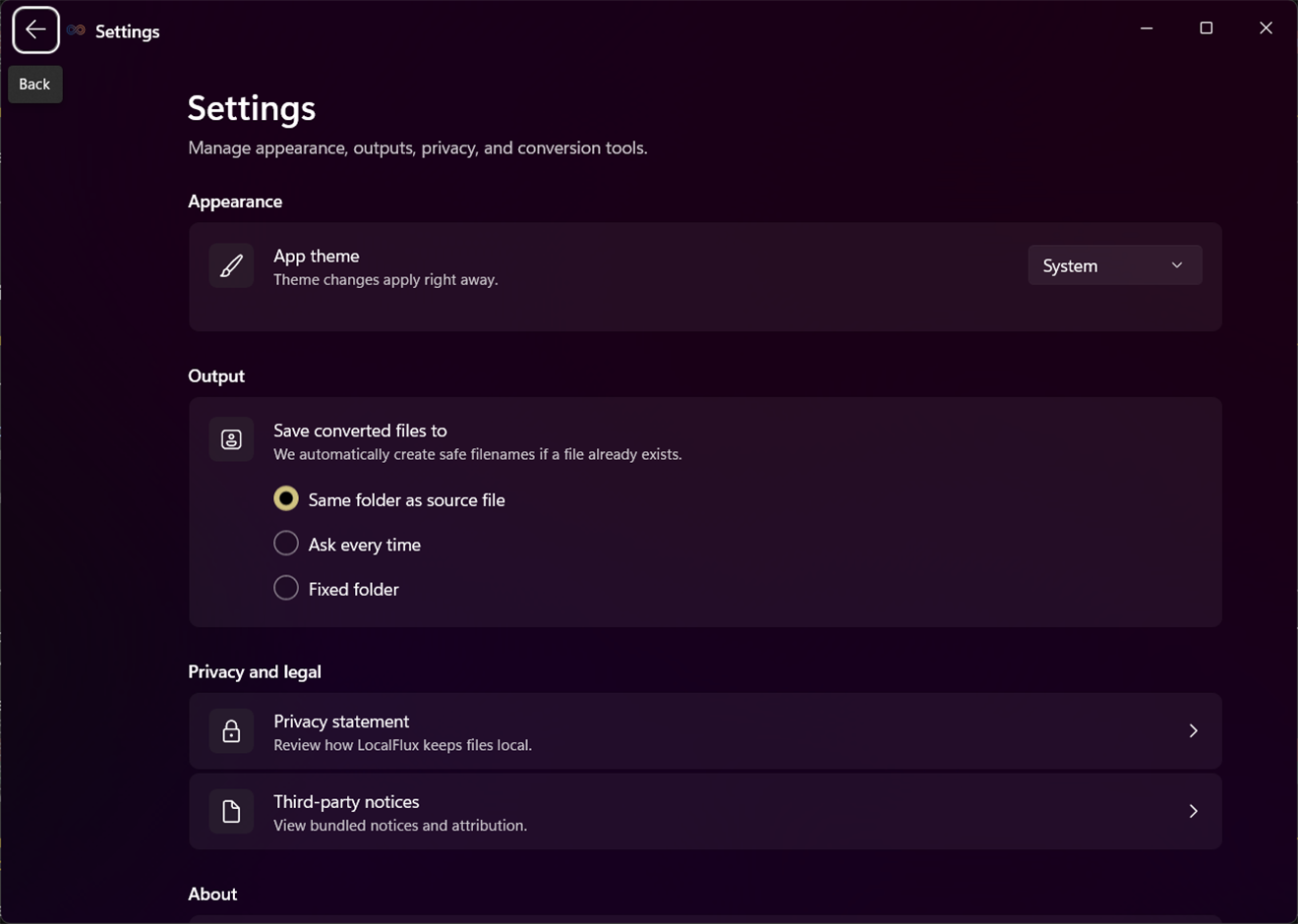
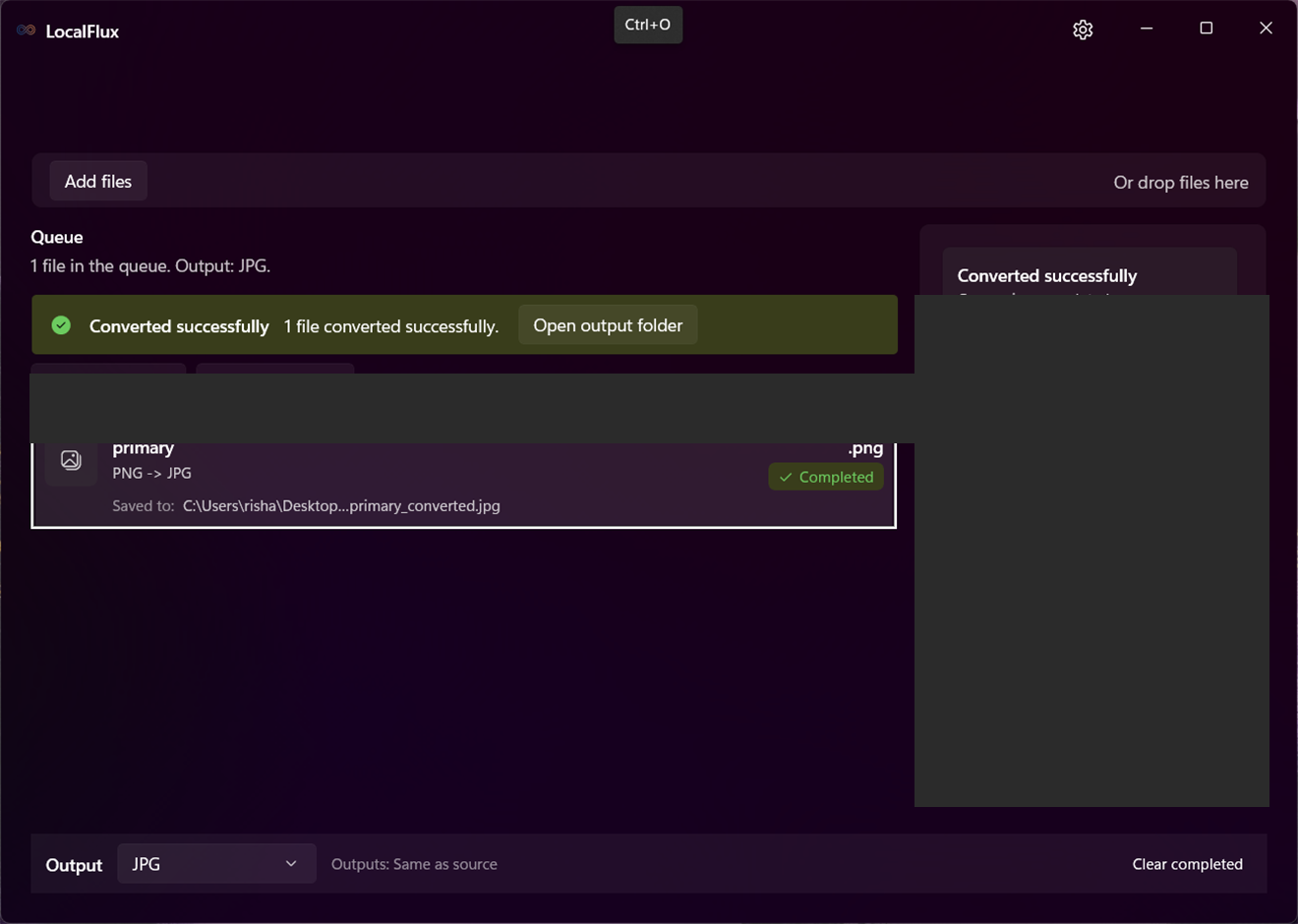
Review the destination summary in the command bar or row details before running. Completed rows provide Open file and Open folder. If a name already exists, LocalFlux chooses a collision-safe name rather than overwriting the source.
Completion notifications summarize finished work. They do not upload or delete files. Clear completed rows only when you no longer need queue history.
See it in LocalFlux
Video transcript
Select Output and choose a supported format. Convert, then use Open file to review the result.