Get started
LocalFlux 1.x supports Windows 11 PCs with x64 and ARM64 processors. Install it from the Microsoft Store, then launch it from Start or Windows Search.
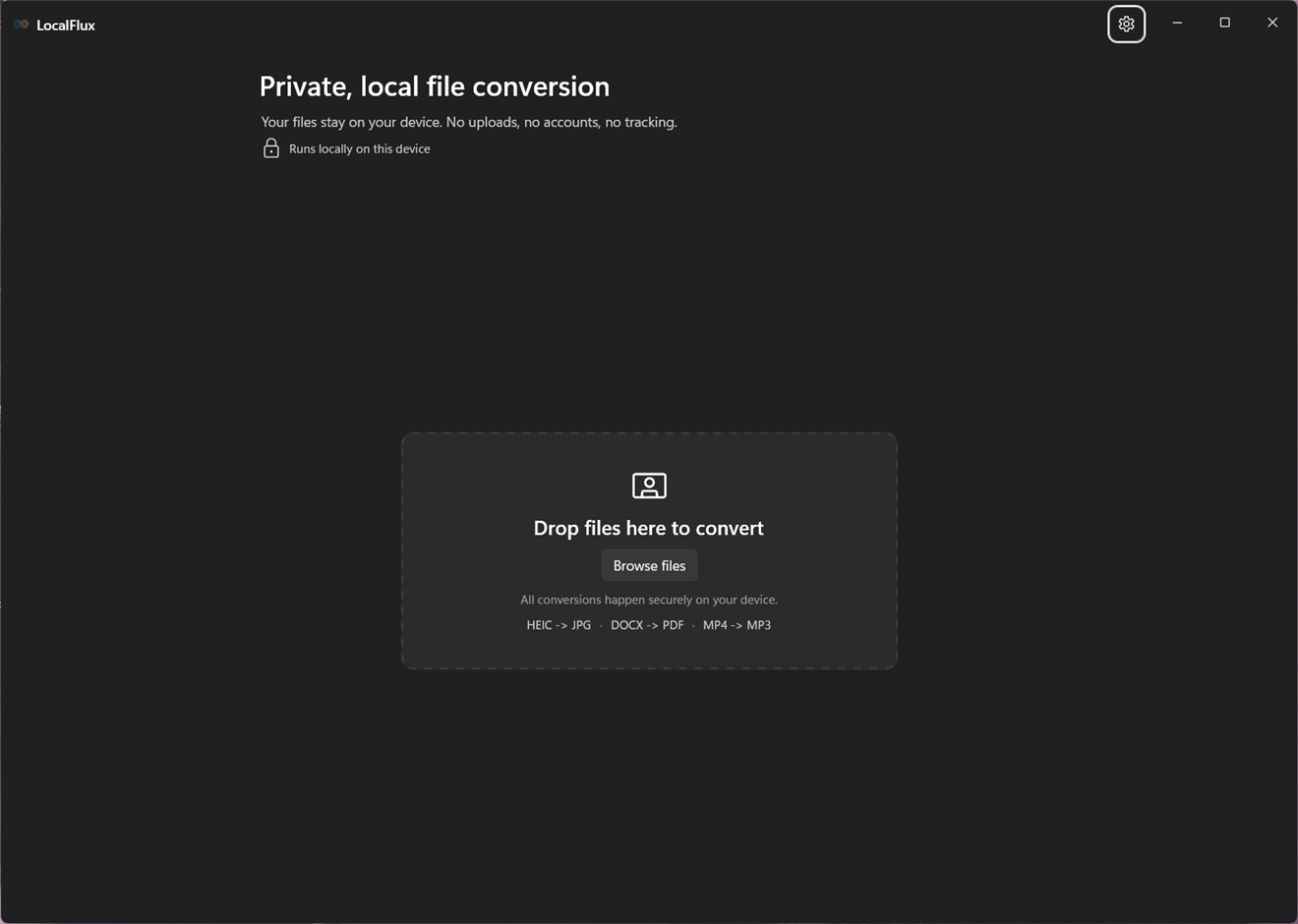
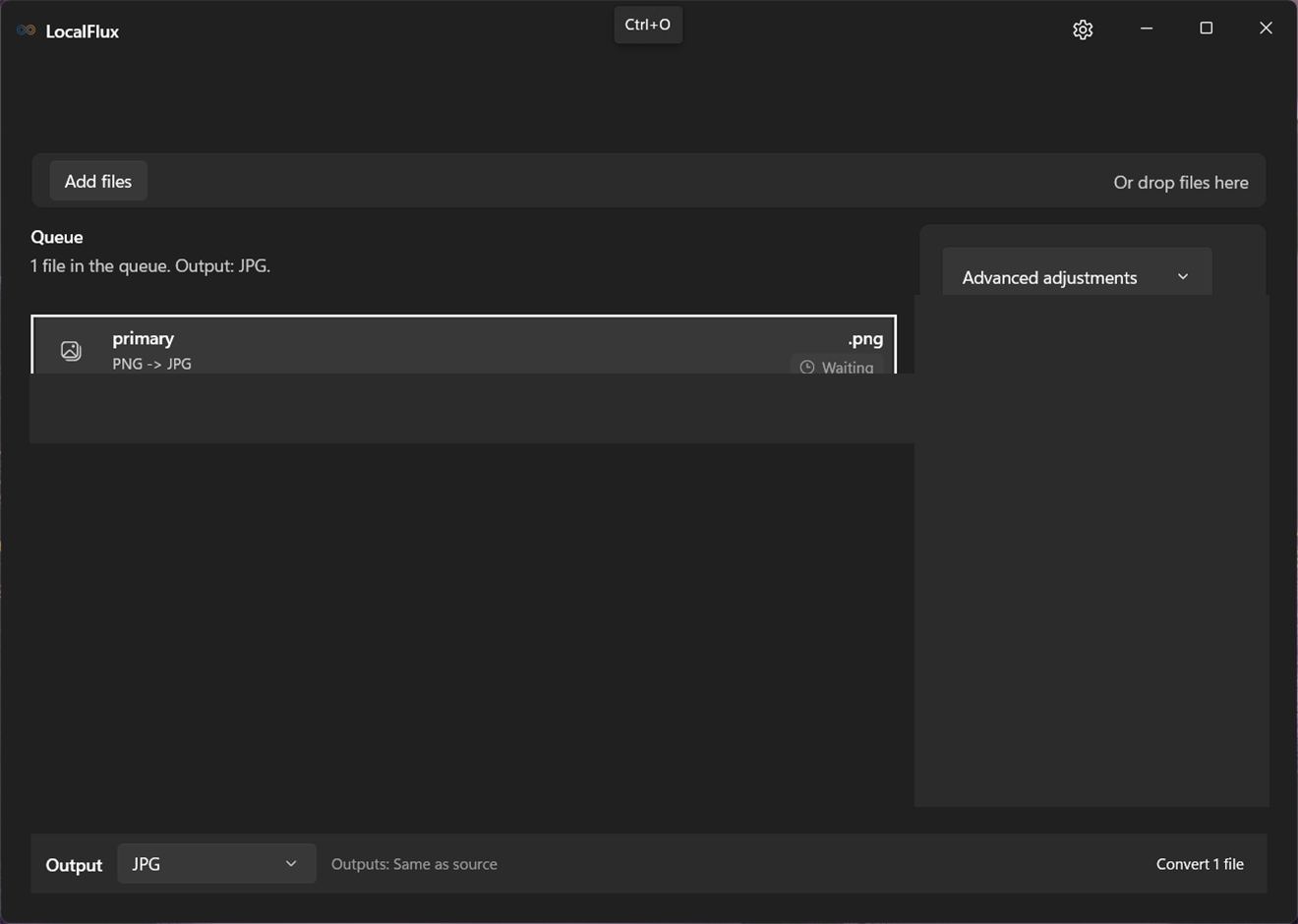
The empty window contains the private-local-conversion header, a drop zone, and Browse files. After adding files, the queue and details panel appear. The command bar contains Output, destination summary, and Convert, Compress, Stop queue, or Clear completed as appropriate.
All processing uses the packaged local conversion components. If readiness is still being checked, wait for the status message before starting a job.
See it in LocalFlux
Video transcript
Open LocalFlux and add a local file. Choose an explicit output format and start conversion. When it completes, open the file or its folder.