Convert and use templates
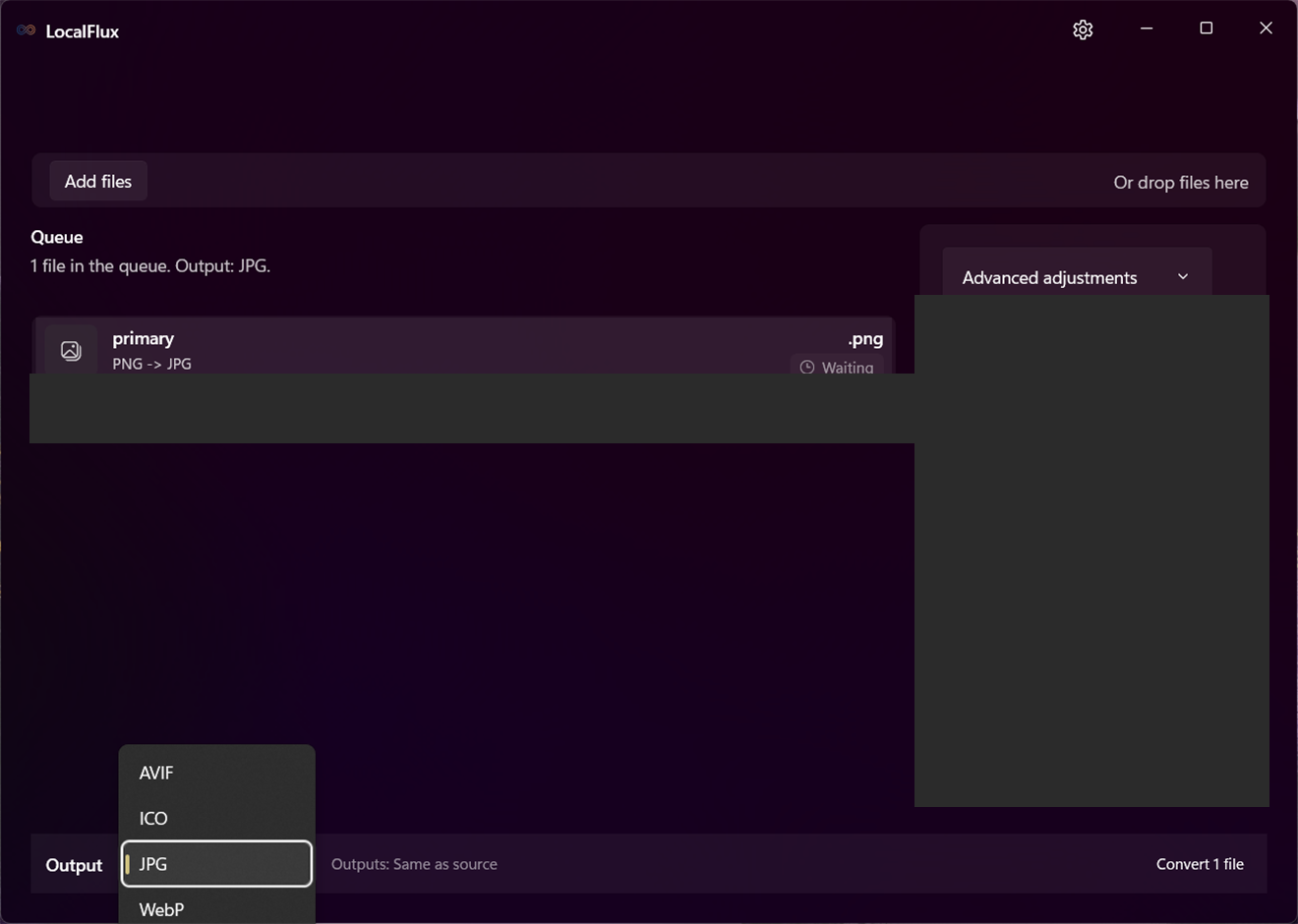
Choose Convert, then open Output format in the command bar. One output applies to the current batch; incompatible rows remain blocked. Use a template when the same output, destination, or adjustments recur. Review the resulting settings before running.
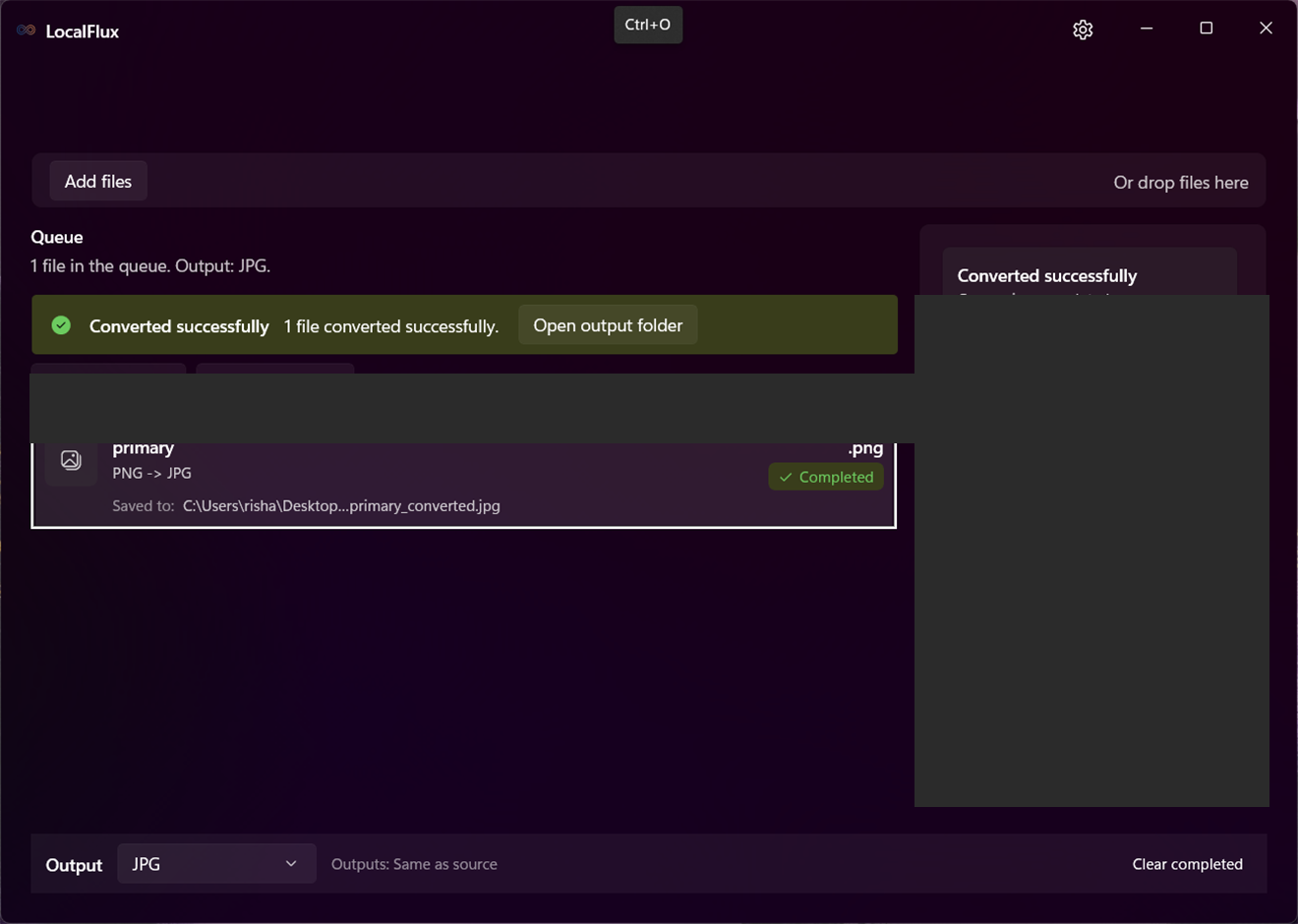
Conversion creates a new file and leaves the source unchanged. Existing names are handled with collision-safe output names.
See it in LocalFlux
Video transcript
Select Output and choose a supported format. Convert, then use Open file to review the result.