
WebM to MP4 converter for Windows
Convert locally without uploading your file
WebMMP4
- Your files stay on your PC
- Original files remain unchanged
- Works offline after installation
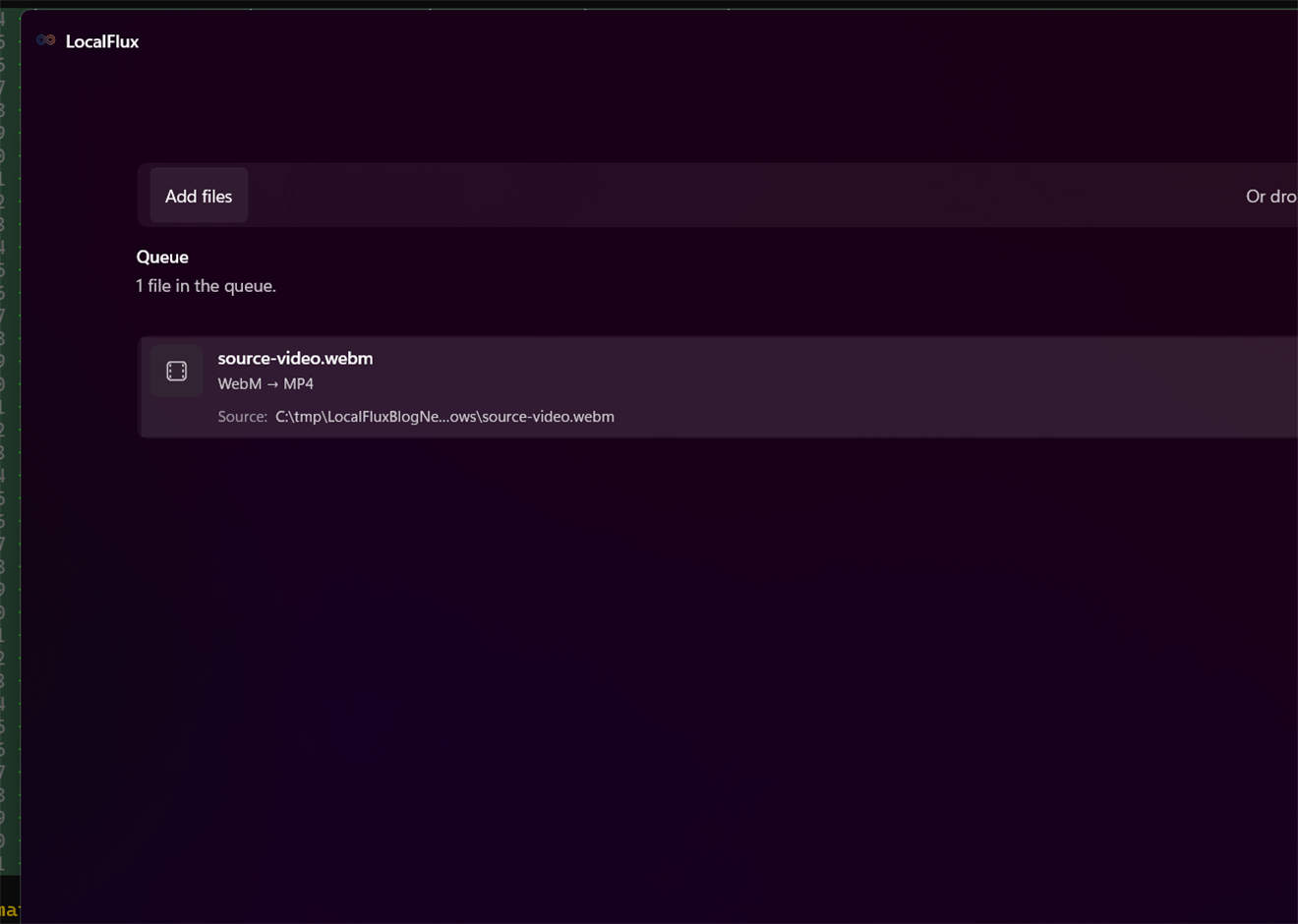
WebM to MP4 in three clear steps
-
Add WebM files
Drag supported WebM files into LocalFlux or choose Add files.
-
Choose MP4
Select Convert and confirm MP4 as the output for the batch.
-
Convert on your PC
Choose the destination, start the job, and review the new copy.
When this route helps
Useful for compatibility with editors, presentation tools, messaging apps, and upload systems. Keep WebM when it is already accepted or is your source master.
Codec compatibility decides the work
WebM commonly uses VP8, VP9, or AV1 with Opus or Vorbis; MP4 destinations may require H.264/AAC re-encoding. Check playback, timing, audio, and quality rather than judging by file size alone.
Questions about this conversion
Can I rename .webm to .mp4?
No. Renaming changes only the filename. A real conversion must create a valid MP4 container with streams the destination can use.
Does LocalFlux upload the source file?
No. Normal supported conversion runs on your Windows PC without a file-upload step or account.
Will LocalFlux overwrite the original?
No. LocalFlux writes a new output copy and leaves the source file unchanged.
Create your MP4 copy from WebM locally
Install LocalFlux from the Microsoft Store and keep supported everyday conversion on your Windows PC.