
SVG to PNG converter for Windows
Convert locally without uploading your file
SVGPNG
- Your files stay on your PC
- Original files remain unchanged
- Works offline after installation
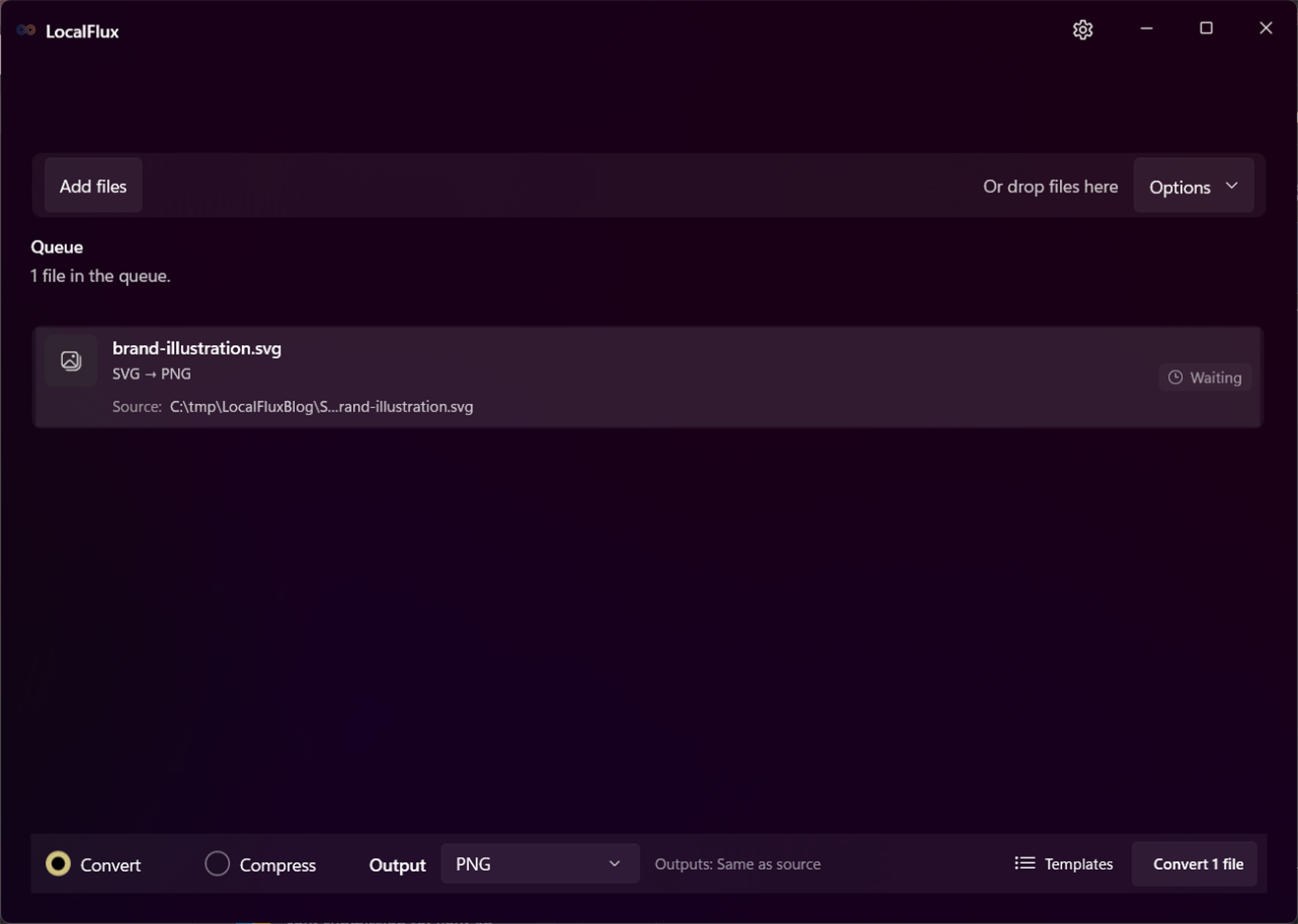
SVG to PNG in three clear steps
-
Add SVG files
Drag supported SVG files into LocalFlux or choose Add files.
-
Choose PNG
Select Convert and confirm PNG as the output for the batch.
-
Convert on your PC
Choose the destination, start the job, and review the new copy.
When this route helps
Useful for presentations, documents, previews, and upload systems that do not accept SVG. Keep the SVG as the editable, resolution-independent master.
The output needs a deliberate canvas size
PNG is made of pixels, so dimensions, background, embedded fonts, filters, and external SVG resources affect the result. Review transparency and sharp edges at the intended display size.
Questions about this conversion
Can the PNG be enlarged without losing sharpness?
Not indefinitely. PNG has fixed pixel dimensions. Render the SVG at the final size you need and keep the SVG for future resizing.
Does LocalFlux upload the source file?
No. Normal supported conversion runs on your Windows PC without a file-upload step or account.
Will LocalFlux overwrite the original?
No. LocalFlux writes a new output copy and leaves the source file unchanged.
Create your PNG copy from SVG locally
Install LocalFlux from the Microsoft Store and keep supported everyday conversion on your Windows PC.